Let’s be honest: as a startup founder or a solo entrepreneur, your "sales team" is usually just you, a lukewarm cup of coffee, and a series of increasingly frantic sticky notes. You know you should be following up with leads, but between product development, hiring, and remembering to eat, things slip through the cracks.
This is where sales pipeline automation stops being a "nice to have" and starts being your business's literal life support.
The dream is simple: a lead downloads your whitepaper or hits your pricing page, and instead of sitting in a digital dusty corner of your CRM, they are immediately greeted by a personalized, timely email sequence that feels like it was hand-typed by you.
In the world of HubSpot, we do this by marrying two powerhouses: Workflows and Sequences. If you’ve been using them separately, you’re only using half the engine. Today, we’re going to build the whole car.
The Difference Between Workflows and Sequences (And Why It Matters)
Before we dive into the "how," we need to clear up the "what." Many founders get confused here, and it usually leads to sending robotic, cold emails that end up in the spam folder.
Workflows are the brains of your operation. They are high-level, "if this, then that" engines. If someone fills out a form, a workflow can change their lifecycle stage, notify your team, or move them into a specific sales pipeline automation track. Workflows are great at handling data and mass marketing.
Sequences, on the other hand, are the voice of your brand. They are designed for 1-on-1 communication. They look like regular emails, they come from your personal inbox, and they include those crucial "human" follow-ups.
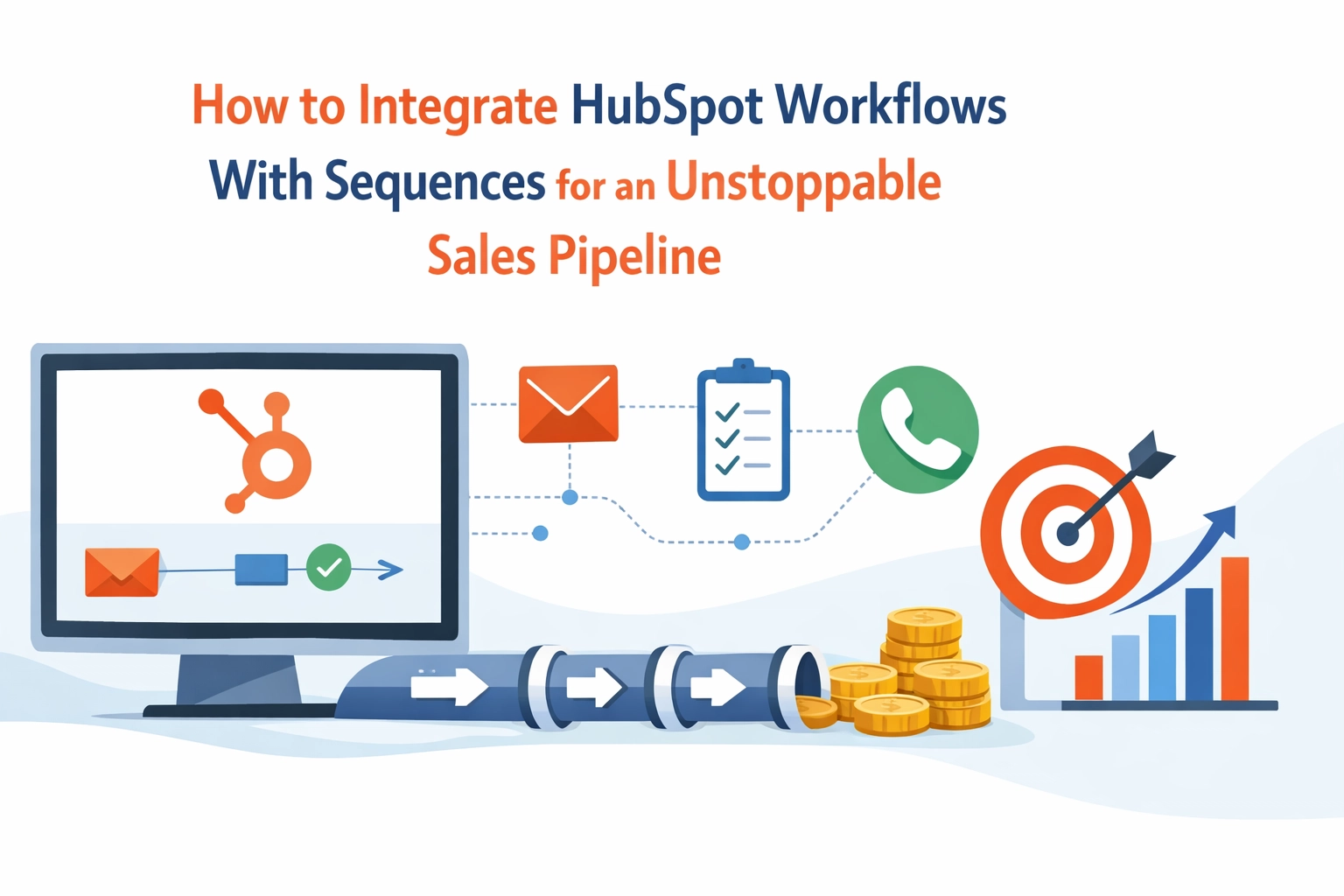
When you integrate the two, you create a system where the Workflow identifies the opportunity and the Sequence executes the conversation. It’s the ultimate tag-team for small business growth.

Why You Should Automate Sequence Enrollment
Manual enrollment is the silent killer of productivity. Even if you have the best HubSpot setup in the world, if your sales process relies on you manually clicking "Enroll" for every lead, you’ve created a bottleneck.
By using Workflows to trigger Sequences, you ensure that:
- No lead is left behind: Speed-to-lead is a real metric. If you wait 24 hours to reach out, your lead has already found your competitor.
- Consistency is king: Your messaging remains high-quality regardless of how busy or tired you are.
- Scale is possible: You can handle 100 leads with the same effort it takes to handle five.
If you’re feeling overwhelmed by the technical side, don’t panic. Getting professional HubSpot setup support can save you weeks of trial and error.
The Strategy: 3 Use Cases for Startup Founders
1. The High-Intent Lead Magnet
Someone downloads your "Ultimate Guide to X." Traditionally, they’d get a generic marketing email. With an integrated setup, the Workflow sees the download and immediately enrolls them in a Sequence.
- Day 1: Here’s your guide.
- Day 3: A quick check-in asking if they had questions on page 5.
- Day 6: An invitation to a 15-minute discovery call.
2. The "Ghosted" Prospect Re-engagement
We’ve all been there. A prospect was excited, and then… silence. You can set a Workflow to trigger if a deal has been in a specific stage for more than 14 days without activity. The Workflow automatically drops them into a "Re-engagement Sequence" to see if they’re still interested.
3. The Webinar Follow-Up
If a contact attends your live demo, a Workflow can tag them and enroll them in a follow-up sequence with the recording and a specific call to action. If they registered but didn't show up? Send them to a different sequence.
How to Set It Up: A Step-by-Step Guide
Ready to get your hands dirty? Here is how you actually build this bridge in HubSpot.
Step 1: The Trigger (The "If")
Navigate to your Workflows and create a new contact-based workflow. Your trigger is the behavior you want to reward with a sequence.
- Example: Form submission = "Contact Us" or "Pricing Guide."
- Example: Contact property "Lead Status" becomes "Sales Qualified."
Step 2: The Action (The "Then")
Click the + plus icon to add a new action. Scroll down to the Sequence section and select Enroll contact in this sequence.
Step 3: The Logistics
This is where the magic happens. You’ll need to choose:
- The Sequence: Select the specific set of emails you’ve pre-written.
- The Sender: You can choose a specific user or, more effectively, the Contact Owner. This ensures the email comes from the person the lead will eventually talk to.
- The Inbox: Ensure you have a connected personal inbox (Gmail or Outlook).
Step 4: The Safety Net
Before you hit "Turn On," make sure you have unenrollment triggers set up. You don't want to keep sending "Hey, are you there?" emails if the lead has already booked a meeting with you.

The Fine Print: Constraints You Need to Know
I’d be doing you a disservice if I didn’t mention the "gotchas." HubSpot is powerful, but it has rules.
- The "Enterprise" Barrier: As of 2026, the ability to automate sequence enrollment via workflows is generally a feature of Sales Hub Enterprise or Service Hub Enterprise. If you’re on the Professional tier, you might have more limited options, often requiring manual triggers from within the sequence tool itself.
- One at a Time: A contact can only be in one active sequence at a time. If your workflow tries to enroll someone who is already in a sequence, it will fail.
- Humanity Required: Automation doesn't mean you should be lazy. If your emails sound like they were written by a Victorian-era robot, no amount of workflow magic will save your conversion rate.
Why Startup Founders Need Professional HubSpot Setup Support
Look, I get it. You’re a founder. You can do everything. But should you?
Spending six hours on YouTube trying to figure out why your workflow isn't firing is six hours you aren't spending on your product or your customers. High-level tech consulting and digital business support are about buying back your time.
At Nepatech Solutions, we specialize in taking the "tech headache" off your plate. Whether it's building out a robust CRM dashboard or handling your entire HubSpot setup support strategy, we focus on the systems so you can focus on the growth.
Putting Your Sales Pipeline on Autopilot
The goal of sales pipeline automation isn't to remove the human element from sales; it’s to give humans the time to actually be human.
When your follow-ups are automated, you stop being a "reminder bot" and start being a consultant. You spend your time talking to people who actually want to talk to you, because the system has already filtered out the noise.
If you’re ready to stop juggling spreadsheets and start closing deals, it’s time to integrate your Workflows and Sequences. Your future, less-stressed self will thank you.
Ready to streamline your tech stack? Check out our AI and automation services to see how we can turn your manual mess into a well-oiled machine. Or, if you’re just getting started with HubSpot, head over to our blog for more tips on making the most of your digital tools.

Key Takeaways for the Busy Founder:
- Workflows = Management; Sequences = Conversation.
- Enrollment Automation requires Sales Hub Enterprise for the full experience.
- Personalization is non-negotiable: don't let automation make you boring.
- Unenrollment is just as important as enrollment. Stop the emails once they respond!
If this sounds like the solution your business needs but you don't have the bandwidth to build it, let's have a chat. We’ve helped countless UK small businesses and startups turn their CRM from a glorified phone book into a revenue-generating engine.