Running a startup or working as a solo founder often feels like a race against the clock. You start the day with a focused to-do list, but by noon, you’re buried in "busy work."
Copying data from one spreadsheet to another, sending manual follow-up emails, and chasing invoices aren't high-value tasks. They are friction.
Business Process Automation (BPA) is the solution to that friction. It isn't just for enterprise-level corporations with massive IT budgets anymore. Thanks to no-code tools, anyone can build a digital workforce that handles the grunt work 24/7.
In this guide, we’ll break down how to streamline business processes without writing a single line of code.
What is Business Process Automation?
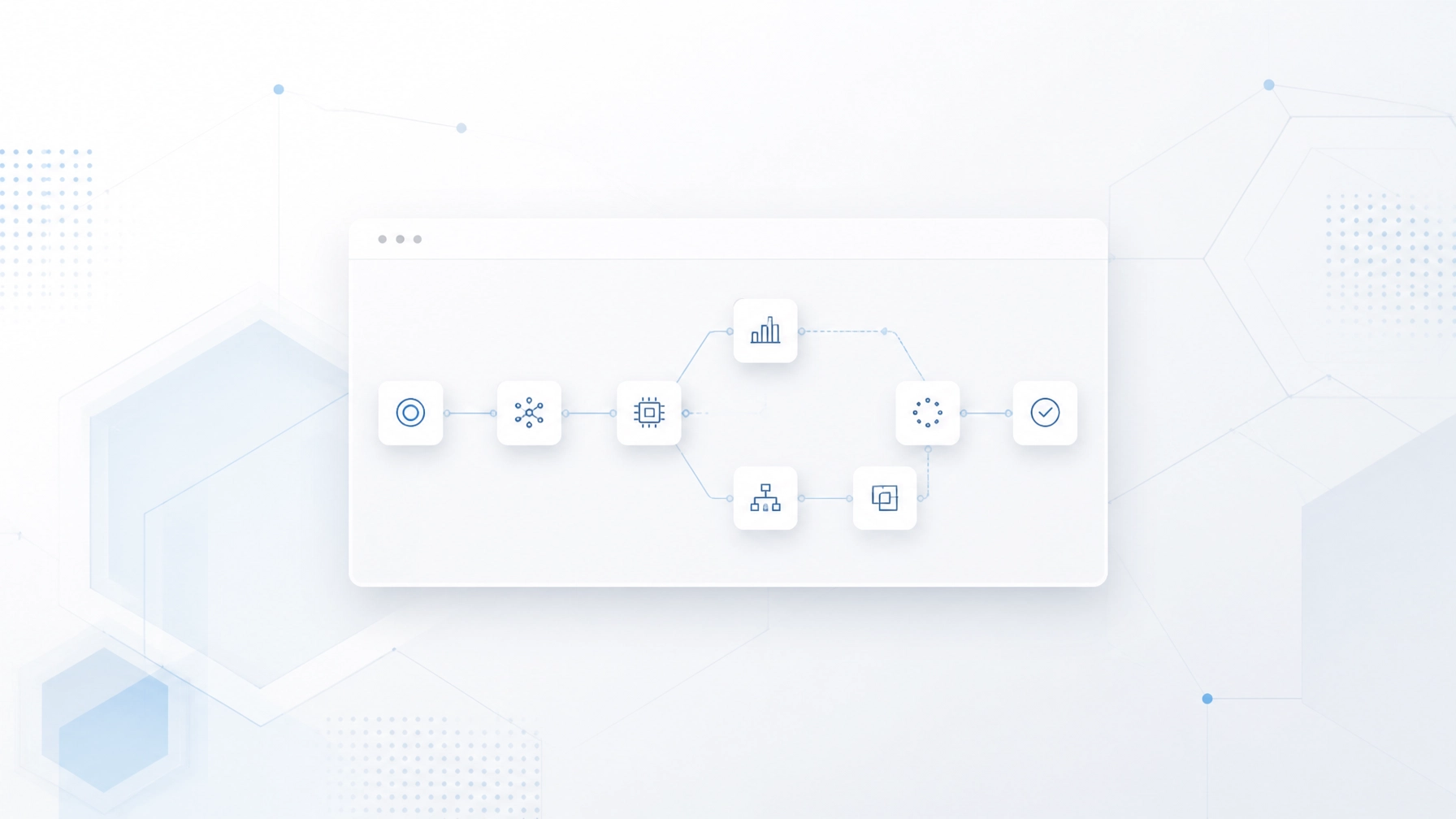
At its core, BPA is about using technology to execute recurring tasks or workflows where manual effort can be replaced. It is the art of setting a "trigger" (an event that starts the process) and an "action" (what the software does automatically).
Think of it as building a series of "If This, Then That" instructions for your business.
If a new lead fills out a form on your website, then their details are automatically added to your CRM, and a welcome email is sent. No human intervention required.

A clean, minimalist workspace showing a laptop and a notebook, representing a focused and organized business environment.
The Strategic "Why": Why Founders Need Automation
Most founders hesitate to automate because they think they don't have the time to set it up. This is a classic "saw-sharpening" problem. You’re too busy sawing to sharpen the blade, even though a sharp blade would finish the job in half the time.
1. Scaling Without the Overhead
In the traditional model, if you want to double your output, you usually have to double your headcount. Automation breaks that link. It allows lean teams to handle a high volume of work without increasing payroll.
2. Eliminating Human Error
Humans are great at creativity and strategy, but we’re notoriously bad at data entry. We get tired, we get distracted, and we make typos. Software doesn’t.
3. Reclaiming Your Focus
The most expensive resource in your business is your mental energy. By removing repetitive tasks, you free up your brain to focus on growth, product development, and business growth.
Finding Your Friction: What Should You Automate First?
Before looking for tools, you need to look at your daily operations. Not every process is a candidate for automation.
To identify the best opportunities to streamline business processes, look for tasks that fit these three criteria:
- Repetitive: Does this happen daily or weekly?
- Rule-based: Is there a clear logic to follow, or does it require subjective judgment?
- Time-consuming: Does it take up hours of your week that could be spent elsewhere?
Common starting points include lead intake, invoice generation, social media posting, and internal notifications.
The No-Code Toolkit for Beginners
The beauty of the current tech landscape is the "No-Code" movement. You no longer need to hire a developer to build custom integrations.
Tools like Zapier and Make (formerly Integromat) act as the "glue" between your different apps. They allow a lead in Facebook Ads to talk to a Google Sheet, which then talks to your Gmail account.
However, the foundation of any automated business is usually the CRM.

A realistic photo of a professional looking at a tablet showing a clean, data-driven dashboard.
Mastering Custom CRM Workflows
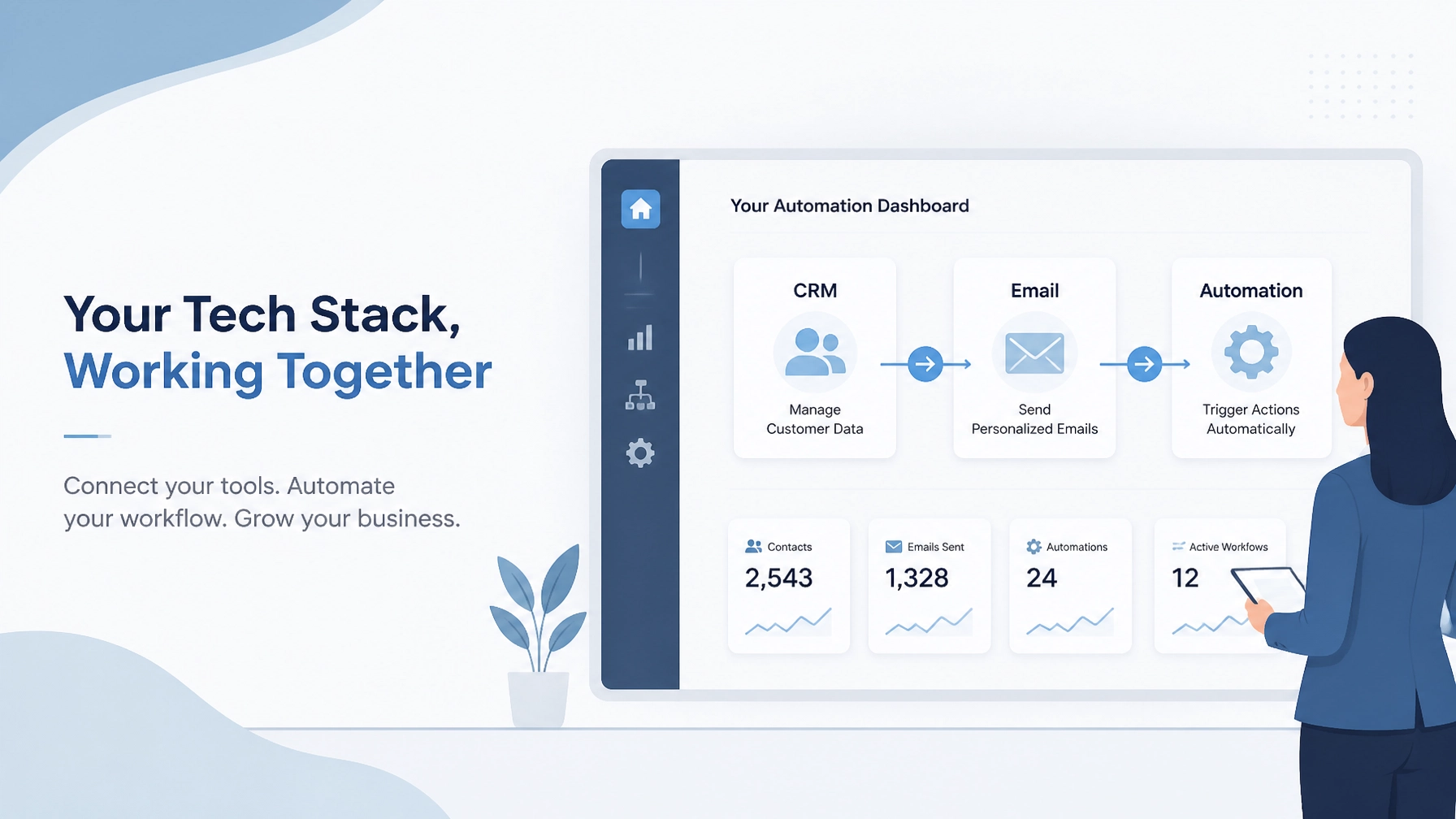
Your Customer Relationship Management (CRM) system shouldn't just be a digital address book. It should be the engine of your sales and marketing operations.
At Nepatech Solutions, we often help clients with CRM setup using platforms like HubSpot or Zoho. These tools are powerhouses for custom CRM workflows.
HubSpot Automation
HubSpot is famous for its user-friendly interface. You can set up workflows that rotate leads among sales reps, send automated nurturing sequences based on user behavior, and even update lifecycle stages automatically.
Zoho Automation
Zoho offers deep customization. Through Zoho Flow and its built-in blueprint features, you can force a specific "process" on your team, ensuring that no step in the sales cycle is skipped.
By automating your CRM dashboard, you gain a real-time view of your pipeline without ever having to manually "update the sheet."
Practical Application: Operation & System Support
Many startups fail not because of a bad product, but because their internal systems collapse under the weight of growth. This is where Operation & System Support becomes critical.
Imagine your onboarding process. Usually, it involves:
- Sending a contract.
- Waiting for a signature.
- Creating a folder in Google Drive.
- Setting up a project in Trello or Asana.
- Sending a "Getting Started" email.
A beginner-friendly automation can handle steps 3 through 5 the moment that signature is detected in DocuSign or PandaDoc. This ensures a professional, consistent experience for every client, every time.
5 Steps to Your First No-Code Workflow
If you’re ready to start, follow this minimalist framework to avoid over-complicating things.
Step 1: Map the Process
Take a piece of paper and draw out the steps as they happen now. Don't worry about the software yet. Just define the "Trigger" and the "Desired Outcome."
Step 2: Choose Your "Glue"
Pick a tool like Zapier. It has a massive library of pre-built integrations (called "Zaps") that make it incredibly easy for beginners to start.
Step 3: Connect Your Apps
Log in to your accounts via the automation tool. For example, connect your website form (like Typeform) and your CRM (like HubSpot).
Step 4: Build the Logic
Set the trigger: "New Entry in Typeform."
Set the action: "Create Contact in HubSpot."
Add a second action: "Send Slack Notification to Team."
Step 5: Test and Iterate
Always run a test before turning an automation live. Send a fake entry through the system and make sure the data ends up in the right place.

A close-up of a person's hands typing on a laptop with a coffee nearby, suggesting a calm and productive work session.
Common Pitfalls to Avoid
Even though no-code is accessible, there are a few traps beginners often fall into:
- Automating a Broken Process: Automation only makes a process faster; it doesn't make it better. If your current manual process is messy, your automated one will be a faster mess. Clean up the logic first.
- The "Set It and Forget It" Myth: Workflows need maintenance. APIs change, and passwords expire. Schedule a quick monthly check-up to ensure everything is still running smoothly.
- Over-Automating: Don't remove the "human" from your business entirely. Automation should support your relationships, not replace them. Use it for the data, keep yourself for the conversation.
Scaling with Professional Help
There comes a point where DIY automation might not be enough. As your business grows, your workflows become more complex, involving multi-step logic and deep database integrations.
This is why many founders look for business process automation companies to take the reins. At Nepatech Solutions, we don't just "set up software." We look at your business goals and build the digital systems that support them.
Whether it’s a sales automation overhaul or a complete CRM setup, having a partner ensures that your systems are built to scale.
Final Thoughts
Business process automation is no longer a luxury: it’s a survival skill for the modern founder. By mastering the basics of no-code workflows, you stop being a cog in the machine and start being the architect of it.
Start small. Pick one task that annoyed you this week and see if you can automate it. You might be surprised at how much "found time" you suddenly have on your hands.
Ready to see how much time your business could save? Request a free quote and let's talk about building your custom automation strategy.